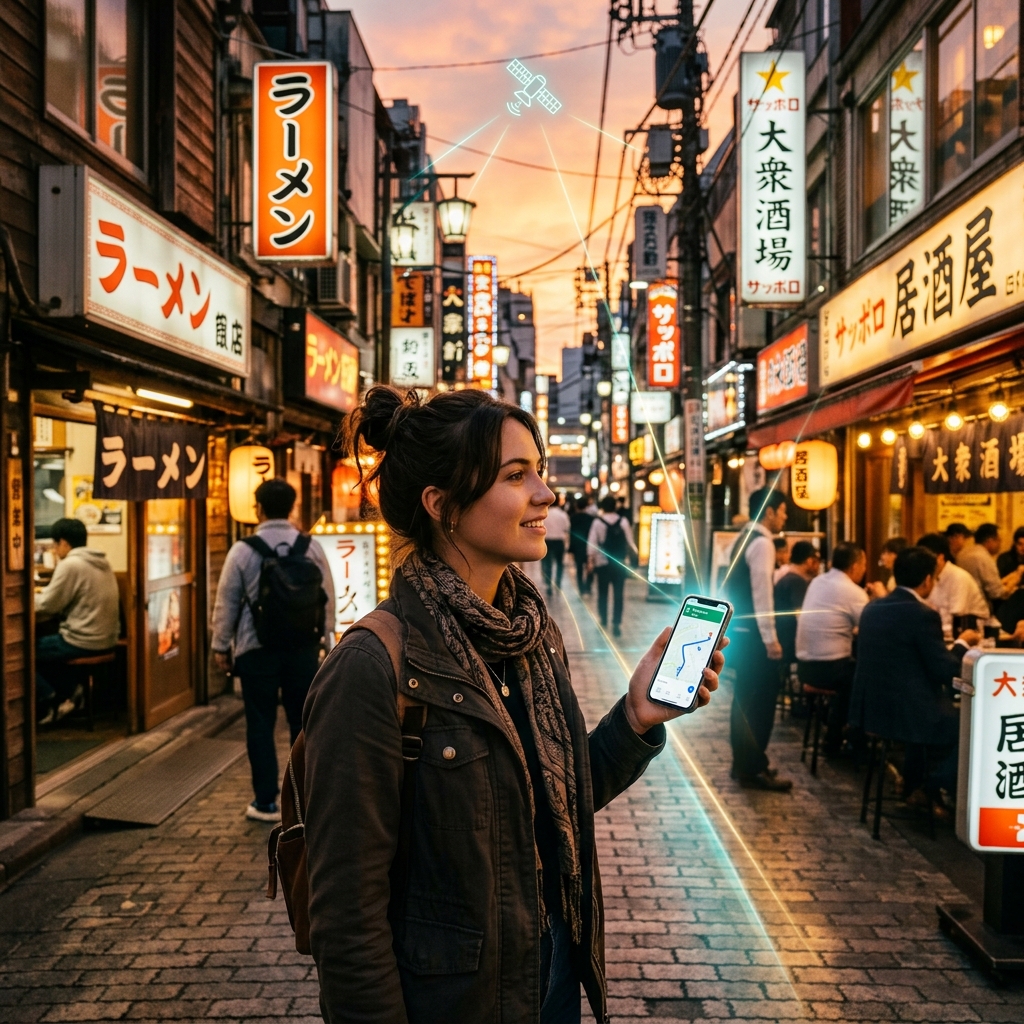
Detailed breakdown of the top 5 global destinations where unlimited eSIM data plans are essential. Traveling with a limited data plan can create unnecessary stress. Constantly monitoring your gigabyte balance and searching for public Wi-Fi networks can distract from your travel experience.
In certain destinations, having access to unlimited high-speed data is not just a convenience-it is a critical tool for transit navigation, translation, and personal safety. This article highlights the top 5 countries where an unlimited eSIM data plan is highly recommended.
1. Introduction: Why Unlimited Data Matters for Certain Destinations
In the era of smart travel, your smartphone is your tour guide, translator, map, and digital wallet all in one. Because of this, “data anxiety”-the constant stress of checking your remaining megabytes, disabling background app refresh, and turning off settings just to conserve data-can detract from your travel experience.
While a small, fixed data package (such as 1GB or 3GB) might be sufficient for a quick weekend getaway in a familiar domestic city, it is often inadequate for major international trips. Certain global destinations have highly digitalized environments that require continuous mobile internet access. High data usage is common in countries with complex public transit networks, cashless retail environments, or remote, changing weather zones where live GPS navigation is a safety requirement. In these countries, purchasing an unlimited eSIM plan is not just about convenience; it provides the peace of mind to focus on enjoying your journey rather than managing your data usage.
2. Destination 1: Japan (Navigating Complex Transit Systems)
Japan, particularly cities like Tokyo, Osaka, and Kyoto, features some of the most efficient but complex public transportation systems in the world. Navigating these overlapping subway, train, and bus lines requires a continuous high-speed data connection:
- Platform and Transfer Navigation: Finding the correct platform inside massive multi-level stations (such as Shinjuku or Tokyo Station, which handle millions of commuters daily) is virtually impossible without live apps. Google Maps and specialized transit apps like Japan Travel by NAVITIME show the exact platform number, train car recommendations for fast transfers, and station exit numbers.
- Mobile IC Card Top-ups: Tourist transit cards like Suica and Pasmo are now integrated directly into Apple Wallet and Google Pay. To top up these cards while standing at train gates, your phone must have an active internet connection to authenticate payment gateways.
- Google Translate’s Camera Tool: Japanese signage, subway ticket machines, and restaurant menus can be challenging to decipher. Running Google Translate’s live camera scanning tool constantly parses visual data, which requires a heavy data stream.
3. Destination 2: South Korea (Translation and Tech-Integrated Infrastructure)
South Korea is one of the most digitally integrated societies in the world, where everyday tasks are heavily reliant on localized mobile applications:
- Localized Navigation Mapping: Due to government restrictions on mapping data export, global mapping apps like Google Maps are severely outdated and unreliable in South Korea. Instead, you must download Naver Map or KakaoMap. These localized apps stream high-resolution vector maps and real-time transit telemetry, consuming data at a much higher rate.
- Local Ride-Hailing & Messages: Booking a taxi in South Korea is almost exclusively done through KakaoT (Kakao Taxi). This app requires a stable mobile connection to communicate your GPS location to drivers and manage contactless card payments.
- Language Barriers and Papago: Naver’s Papago app is the go-to translation tool in Korea. Its voice recognition feature, which allows you to hold conversational translations in real-time, relies on cloud servers and active data.
- Digital Queueing at Restaurants: Many popular restaurants in Seoul and Busan do not have physical lines. Instead, you scan a QR code at the door and enter your details into a virtual queue system like Catch Table, which sends real-time waitlist status updates via KakaoTalk or WhatsApp.
4. Destination 3: Iceland (Safety and Navigation in Remote Areas)
Iceland’s dramatic volcanic landscapes, glaciers, and waterfalls make it a premier road trip destination. However, the country is famous for its extreme and rapidly changing weather conditions, making an unlimited data connection a critical safety asset:
- Real-time Weather Monitoring: A sudden snowstorm, heavy winds (capable of damaging car doors), or volcanic alerts can occur in a matter of minutes. Drivers must constantly monitor
vedur.is(the Icelandic Meteorological Office) androad.is(live road closure maps and webcams) to plan routes safely. - GPS and Topological Mapping: Navigating off-grid trails or driving along remote gravel roads in the East Fjords requires high-resolution GPS maps. Offline maps work, but they lack live updates on road washouts, temporary closures, or sheep hazards on the road.
- Emergency SafeTravel App: The Icelandic Association for Search and Rescue recommends using the SafeTravel Iceland app, which allows you to submit your travel itinerary for safety monitoring and request immediate emergency help via GPS locator beacons.
5. Destination 4: Singapore (Smart City Navigation and Virtual Queues)
Singapore is a leading global smart city where contactless digital transactions and ticketless entries have replaced physical interactions:
- Virtual Attraction Check-ins: Entering popular attractions such as Gardens by the Bay, the Singapore Zoo, or Universal Studios Singapore requires presenting digital barcodes from apps or email servers. Retrieving these files quickly requires a reliable high-speed connection.
- Grab Ride-Hailing Coordination: Grab is the primary ride-hailing app in Singapore. Coordinating pickups at specific designate drop-off bays inside complex malls or busy transit points requires continuous communication and map tracking.
- SGQR Digital Payments: Dining at Singapore’s famous hawker centers is best managed using local e-wallets or credit card payment portals via QR codes (SGQR), saving you the hassle of carrying physical currency.
6. Destination 5: Switzerland (Alpine Trails and Train Schedule Syncing)
Switzerland offers some of the most scenic train routes and hiking trails in the world, but managing your itinerary in the Alps requires active network synchronization:
- The SBB Mobile App: The Swiss Federal Railways (SBB) app is crucial for train travel. It updates constantly to show live train occupancy levels, platform changes, delayed transfers, and connecting cable cars. Missing a transfer in remote mountain villages can result in multi-hour delays, making live updates vital.
- Alpine Trail Tracking: Hiking through the Jungfrau region or around Zermatt requires precise trail navigation. Apps like SwissMobile provide detailed topographic maps showing trail difficulty and elevation profiles. Running these maps alongside active GPS tracking is a heavy data-consuming task.
- High-Altitude Webcams: Weather in the mountains can change quickly, with fog blocking views at peak summits. Travelers rely on live summit webcams to decide whether to purchase expensive cable car tickets (such as the Jungfraujoch or Matterhorn Glacier Paradise).
7. How Much Data Do Travel Apps Actually Consume?
To understand why unlimited data is useful, it helps to review the data consumption rates of common travel applications:
| Application | Activity | Data Consumption |
|---|---|---|
| Google Maps / Naver Map | Active Navigation | 2.5 MB to 5 MB per minute |
| Google Translate / Papago | Camera Translate | 1.5 MB to 3 MB per scan |
| WhatsApp / KakaoTalk | Voice Calling | 1 MB per minute |
| Social Media Uploads | Photos and Video Sharing | 5 MB to 20 MB per post |
| Web Browsing | Searching Travel Reviews | 2 MB to 4 MB per page |
8. The Cost of Running Out of Data in a Foreign Country
Running out of mobile data in a foreign country is more than just an inconvenience; it can quickly disrupt your travel plans and create stressful situations. When your connection drops, you lose access to the tools you rely on to navigate unfamiliar environments:
- Navigational Disruption: Without live mapping data, you cannot check bus schedules, platform updates, or real-time train transfer connections. In cities with massive transit stations (like Tokyo or Seoul), this can lead to taking the wrong train or getting lost, costing you time and money.
- Communication and Language Barriers: In destinations where English is not widely spoken, losing access to online translation tools (like Google Translate or Papago) makes simple tasks like reading dietary warnings, ordering food, or asking for directions highly challenging.
- Loss of Ride-Hailing Access: Many modern transport systems rely on apps (like Grab, Uber, or KakaoT) to book and pay for rides. If you are offline, you cannot book a ride to get back to your hotel late at night, which can raise safety concerns.
- Financial Roaming Penalties: If you run out of data in an emergency, you may be forced to enable your home carrier’s roaming data. This instantly triggers daily roaming fees of $10 to $15, or high pay-as-you-go rates that can add unexpected charges to your phone bill.
9. Understanding ‘Fair Usage Policies’ (FUP) on Unlimited eSIMs
When purchasing an “unlimited” eSIM plan, it is important to understand the fine print, specifically the Fair Usage Policy (FUP). In the telecom industry, “unlimited” rarely means unrestricted high-speed data. FUP is a policy used by local networks and eSIM providers to prevent network congestion caused by heavy data users (such as those running torrent downloads, hotspotting multiple devices, or streaming continuous 4K video).
Here is how FUP typically works:
- The Daily High-Speed Allowance: Most unlimited eSIM plans allocate a specific amount of high-speed 4G/5G data per day, such as 1GB, 2GB, or 3GB.
- The Speed Throttling Event: If you exceed this daily allowance, your connection speed is throttled to a lower rate (typically 128kbps or 256kbps) for the remainder of that 24-hour cycle.
- What Throttled Speeds Mean in Practice: At 128kbps, you can still send text messages on WhatsApp and load basic websites, but Google Maps will load very slowly, and video calls or streaming will be impossible.
- The Daily Reset: The high-speed data limit resets every 24 hours, restoring your connection to full 4G/5G speeds.
Before purchasing an unlimited plan, check the provider’s FUP terms to ensure the daily high-speed data allowance matches your expected usage.
10. Tips to Maximize Your Unlimited Data Performance
Even with an unlimited eSIM plan, managing your data usage helps you get the best connection speeds and avoid hitting daily FUP throttling limits. Here are several configuration tips to optimize your data performance while traveling:
- Configure Wi-Fi Only Cloud Backups: Turn off cellular synchronization in your photos and cloud backup applications (such as iCloud, Google Photos, or OneDrive). Uploading high-resolution videos and photos in the background can quickly exhaust your daily high-speed data allowance. Set these apps to sync only when you connect to Wi-Fi at your hotel.
- Use Offline Navigation Map Databases: Before you depart, download the offline map files for your destination cities in Google Maps. When you navigate, your phone uses local GPS signals and offline files, saving mobile data for real-time traffic updates and transit times.
- Disable Background App Refresh: Many apps continuously refresh their content in the background, consuming mobile data. Go to your device settings and toggle off Background App Refresh (iOS) or Background Data Usage (Android) for non-essential applications.
- Turn Off Social Media Video Autoplay: Apps like Instagram, TikTok, and YouTube automatically preload and stream video content as you scroll. Change the settings inside these applications to disable video autoplay or turn on “Data Saver” mode to keep your data usage low.
- Download Media Playlists Offline: Download your favorite music playlists, audiobooks, and podcasts to your device’s local storage before leaving home. Streaming media while walking or riding trains uses significant bandwidth that is better saved for navigating your destination.
11. Frequently Asked Questions (FAQs)
Here are answers to common questions about using unlimited eSIM plans:
This depends on the eSIM provider’s terms. Many unlimited plans allow hotspot sharing, but the shared data counts toward your daily high-speed cap. Some providers restrict hotspot functionality entirely on unlimited packages. Check the plan specifications before purchasing.
Fixed data plans provide a set amount of data (e.g., 10GB) for the duration of the plan. Once consumed, your data stops. Unlimited plans keep you connected throughout the plan’s duration, though speeds may be throttled temporarily if you exceed the daily high-speed cap.
Yes. The eSIM connects to local carriers. If the partner carriers have coverage in rural areas (as is the case in Iceland or Switzerland), your eSIM will function. Coverage maps are generally provided on the eSIM seller’s website.
12. Summary Checklist: Prepare for High-Data Travel Destinations
Review this quick checklist to manage your data needs in high-use countries:
- Select the Plan: Choose an unlimited plan with a daily high-speed allowance that meets your needs.
- Offline Prep: Download offline maps and translation databases before departure.
- App Settings: Turn off auto-updates and background app refresh for non-essential apps.
- Backup Syncing: Set cloud photo backups to “Wi-Fi Only” in your phone’s settings.
- FUP Awareness: Monitor your daily usage via system network settings to avoid speed throttling.